
WhatsApp Marketing: The Complete Guide
Most people arrive at WhatsApp marketing wanting one thing: to send an offer to a large list and watch orders come in. That instinct is exactly what gets accounts throttled, rated poorly by Meta, and eventually cut off. WhatsApp is not a broadcast pipe with a friendlier interface. It is a permission channel with hard rules built into the platform itself, and the businesses that do well on it are the ones who understood those rules before they wrote their first campaign.
This guide covers what the channel actually is, the constraints that shape every decision, and the order to build things in.
What WhatsApp marketing means in practice
The useful definition is narrow: conversations with people who asked to hear from you, on a number they already have saved. That covers four different jobs, and it helps to keep them separate in your head because each behaves differently.
Service — answering questions, tracking orders, fixing problems. Customer-initiated.
Transactional notifications — order confirmations, delivery updates, appointment reminders. Business-initiated, expected, rarely resented.
Promotional messaging — offers, launches, restock alerts. Business-initiated, and the category with the tightest rules and the most ways to get it wrong.
Lead capture and qualification — turning a website visitor or ad click into a contact you can follow up with.
The mistake that wastes the most money is running all four as one undifferentiated campaign list. Someone who messaged you about a delayed parcel has not asked for your seasonal sale.
The two ways in, and why the difference matters
The free WhatsApp Business app gives you greeting messages, away messages, saved replies and labels on one phone. Below a certain volume it is genuinely enough, and there is no shame in staying there.
Everything else — multiple agents in one inbox, automated flows, segmented broadcasts, integration with a shop or a CRM — runs on the WhatsApp Business Platform through the Cloud API. Scope Wiser connects to that. The practical consequence is that you gain scale and automation but take on the platform's messaging rules, which the app largely hides from you.
Those rules are not an obstacle to work around. They are the reason WhatsApp still has high engagement while other channels have degraded into noise.
Opt-in is not a formality
You need permission before you send the first business-initiated message, and the permission has to be specific: the person must know it is your business and know they are agreeing to WhatsApp messages. A tick box buried in a checkout footer will not survive a complaint.
Places opt-in genuinely comes from:
A chat entry point on your site — a widget or link that starts a WhatsApp conversation. Anyone who messages you through it has opted in by their own action, which is the cleanest kind of consent you can get.
Click-to-WhatsApp ads, where the ad itself sets the expectation.
Checkout and booking forms, with a clearly worded, separately ticked option.
In-store or on-invoice QR codes, where the offer to opt in is explicit.
What does not count: an imported spreadsheet of phone numbers, a list bought from anyone, or contacts collected for a different purpose entirely. Sending to those produces blocks and "report" taps, and those two signals drive your quality rating down faster than anything else you can do.
The 24-hour window, and why it shapes everything
This is the rule that determines how your whole account is structured, so it is worth being precise about it.
When a customer messages you, a 24-hour window opens. Inside it you can reply freely with any message you like — text, images, buttons, whatever the conversation needs. Once it closes, you can only reach that person with a message template that Meta has approved in advance.
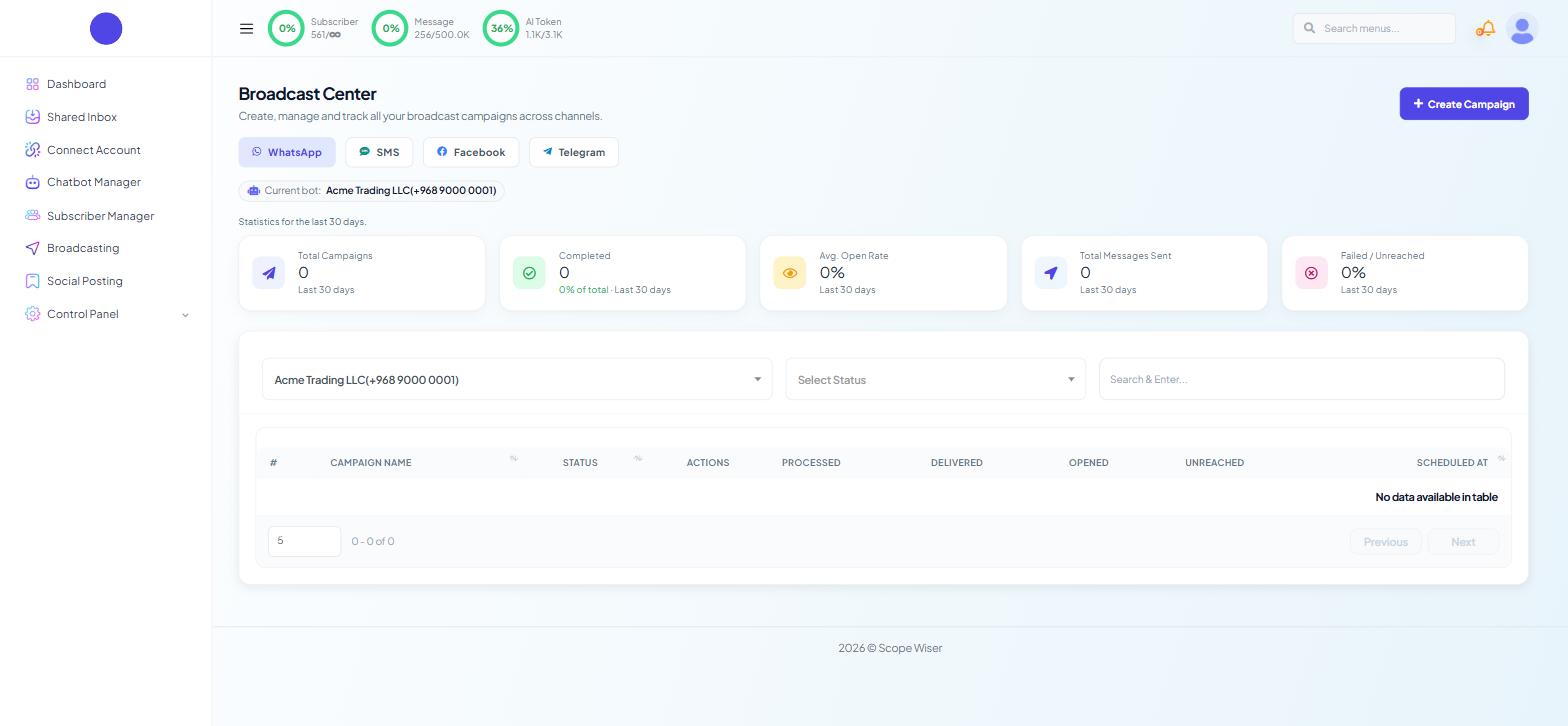
Scope Wiser makes the distinction visible where it matters. In the campaign configuration you choose between a broadcast "24 hours / Within 24-hour promotional window" and "Anytime / Non-promotional anytime message", and the template selector warns you that "Approved and pending templates are listed. Pending templates cannot be sent until WhatsApp approves them."
Three consequences follow, and they are the whole strategy in miniature:
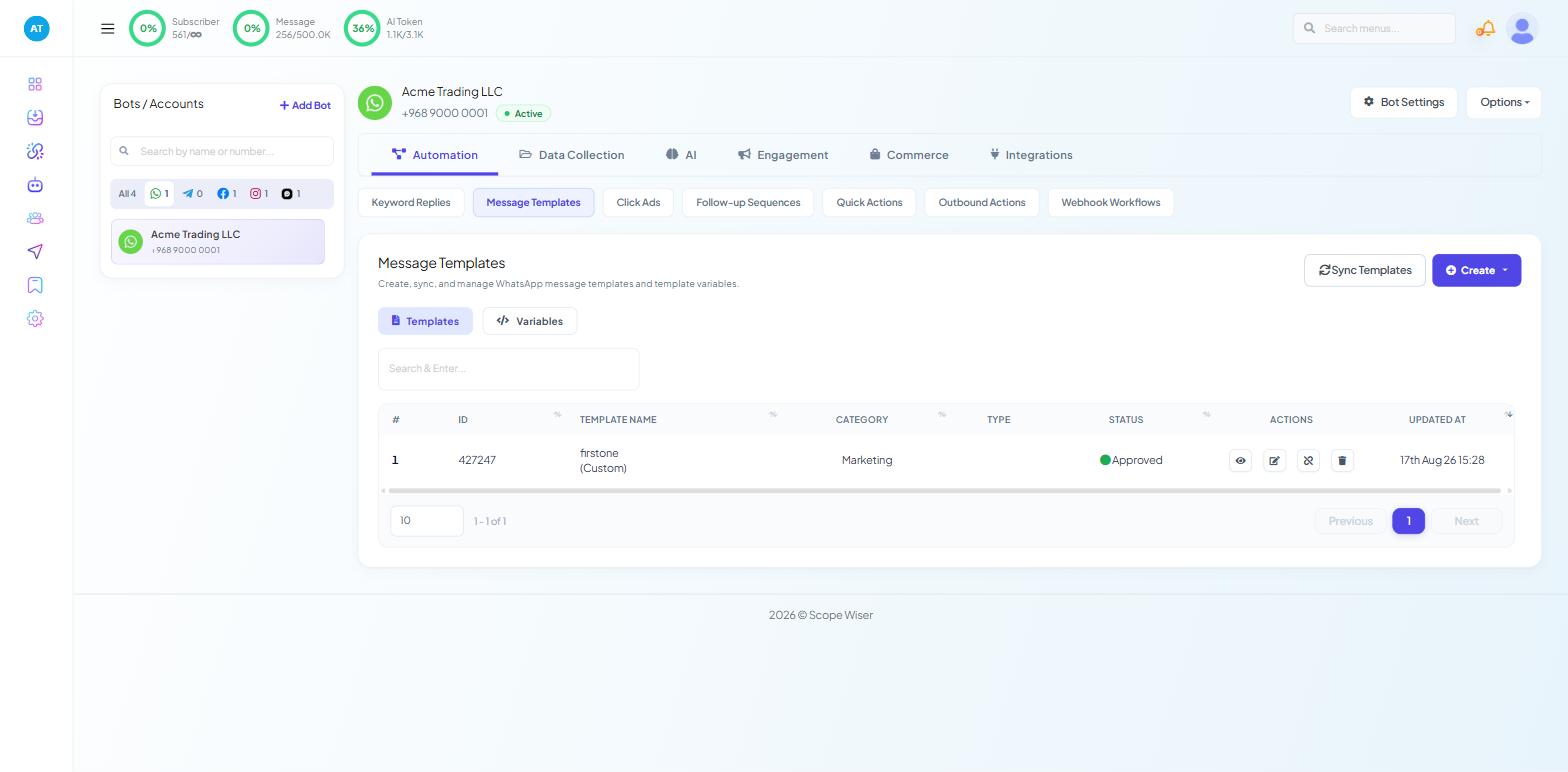
Templates need lead time. Approval is not instant. Write and submit them before you need them, not on the morning of the campaign.
Getting a reply is worth more than getting a read. A message that prompts an answer reopens the window and lets you have a real conversation. Design for replies.
Your automation lives inside the window. Flows, AI replies and follow-ups all run freely once someone has messaged you. That is why entry points matter so much.
What to build, in order
Skipping steps here is the most common reason a WhatsApp programme stalls after one campaign.
1. Connect the channel. One phone number, connected properly, before anything else. See How to Connect WhatsApp to Scope Wiser: Complete Setup Guide.
2. Create somewhere for people to start a conversation. Without entry points you have no list, and without a list the rest is theoretical. Set up a chat entry point under Chatbot Manager › Engagement › Chat Entry, and add the equivalent to your ads and email signature.
3. Answer your five most common questions automatically. Open your inbox, read the last hundred conversations, and count. Those five questions are your first flow. Build it in the Flow Builder with an Interactive block so people can tap rather than type.
4. Get your subscriber data in order early. Labels, lists and custom fields under Subscriber Manager are what make later segmentation possible. Retrofitting them onto ten thousand contacts is painful; applying them from day one costs nothing.
5. Then broadcast. Not before. A campaign to a segmented, labelled, opted-in list performs differently enough from a campaign to an undifferentiated one that the comparison is barely meaningful.
6. Add follow-up sequences last. Once you know which conversations convert, automate the nudge that moves people along.
Writing messages people do not mute
WhatsApp sits between a customer's family group and their closest friends. The tone that works in an email newsletter reads as an intrusion there.
Be identifiable in the first line. People block what they cannot place.
Say one thing. A message with three offers gets none of them read.
Give a reason for this message, now. Restocks, order updates and genuine deadlines are welcome. "Just checking in" is not.
Make the exit obvious. An easy opt-out costs you a few contacts and protects your quality rating, which is worth far more.
Send less than you can. Frequency is the single lever most businesses over-pull.
What to watch
Open rates on WhatsApp are high enough to be nearly useless as a diagnostic — almost everything gets opened. The numbers that tell you something:
Reply rate. Are you starting conversations or just announcing things?
Block and report signals, visible in your quality rating in Connect Account once the number has sent enough for Meta to rate it. A drop from High to Medium is a warning, not a crisis, but it means your last few sends missed.
Messaging limit tier. It rises as you send well and falls as you send badly.
Unreached and failed counts on each campaign. A high failure count usually means a stale list rather than a platform problem.
Mistakes that cost people the channel
Importing a contact list and broadcasting to it. The fastest route to a low quality rating.
Treating templates as an afterthought. Rejections on campaign day are avoidable.
Automating the whole conversation. Some questions need a person; make handover easy and visible.
One list for everyone. Segment by what people actually did, not by what you wish they had.
Measuring sends instead of replies. Volume is not engagement.
What to do next
If you have not connected a number yet, start with How to Connect WhatsApp to Scope Wiser: Complete Setup Guide and come back once it shows Active. If the channel is live and you are deciding how it fits alongside your existing email programme, read Email vs WhatsApp: Choosing Your Channel, which covers what each one is genuinely better at.